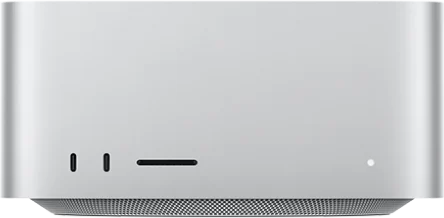
Mac mini
Sold outAn affordable starting point for development and everyday builds.
Starting at $69/moView configurations
Rent a dedicated Mac mini, MacBook or Mac Studio. Develop, build and test in macOS, with remote access through our dedicated app.
Mac mini from $69/month. Free waitlist. No payment needed.
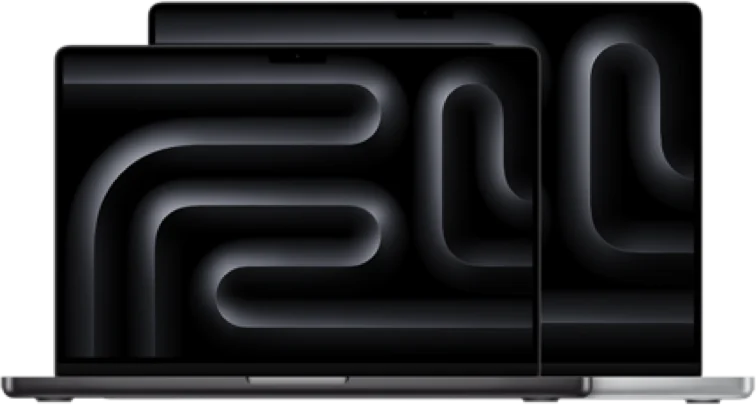
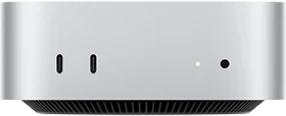
Start with what you need to do. Then choose your configuration.
An affordable starting point for development and everyday builds.
Air and Pro configurations for a familiar macOS workspace.
More room for parallel work and larger projects.
Keep the hardware off your desk. Once activated, use the CheapMac app to connect to your dedicated desktop and terminal.
How it worksLeave your email, preferred model and network region. No payment needed.
When stock is available, we email the configuration, price, connection requirements and activation date.
Follow your activation email to download the app, sign in and connect. Install your tools and get to work.
Register a preference across eight network regions in North America, Europe and Asia Pacific. Availability depends on the model and is confirmed by email.
Regions describe network access options. Latency, bandwidth and third-party location checks depend on actual conditions.
Practical guides to choosing hardware and planning your remote workspace.
Choose a Mac for your iOS project by checking Xcode compatibility, CPU, RAM, storage, testing needs, and the full cost of occasional or ongoing access.
Read guidePlan remote Mac work from Windows: verify client support, prepare project files, check Xcode, understand network delays, and arrange real-device testing.
Read guideCompare dedicated Mac hardware and macOS virtual machines by resource allocation, compatibility, testing, persistence, and cost without assuming either is always faster.
Read guidePrevious batches have been delivered. There’s a wait for the current batch. You can sign up for free availability updates.
Mac mini plans start at $69/month or $9/day. MacBook starts at $79/month and Mac Studio at $249/month. Prices are in USD, excluding tax. Configuration and final pricing are confirmed before activation.
Use the dedicated CheapMac app for remote desktop and terminal access. Your activation email will include client and account details. Contact us first if you have specific operating-system requirements.
Confirm your software installation permissions before activation, including any administrator access you need. Check macOS, processor architecture and software-version compatibility, and follow the relevant software licences.
You can use a compatible macOS and Xcode installation for development and builds. Supply your own Apple Developer account for App Store distribution; membership fees are separate. Arrange physical-device testing separately.
No. The website currently records availability requests only and does not collect payments. Email hello@cheapmac.dev anytime to remove your waitlist entry.
Leave your email and, if you like, a preferred model. We’ll confirm your needs and pricing when stock arrives.
hello@cheapmac.dev